# Accounts

* The accounts page can be accessed by clicking the accounts option on the left-hand task bar.&#x20;

![](/files/VeSZ1nynVyEv22DuTyAo)

## Adding Accounts

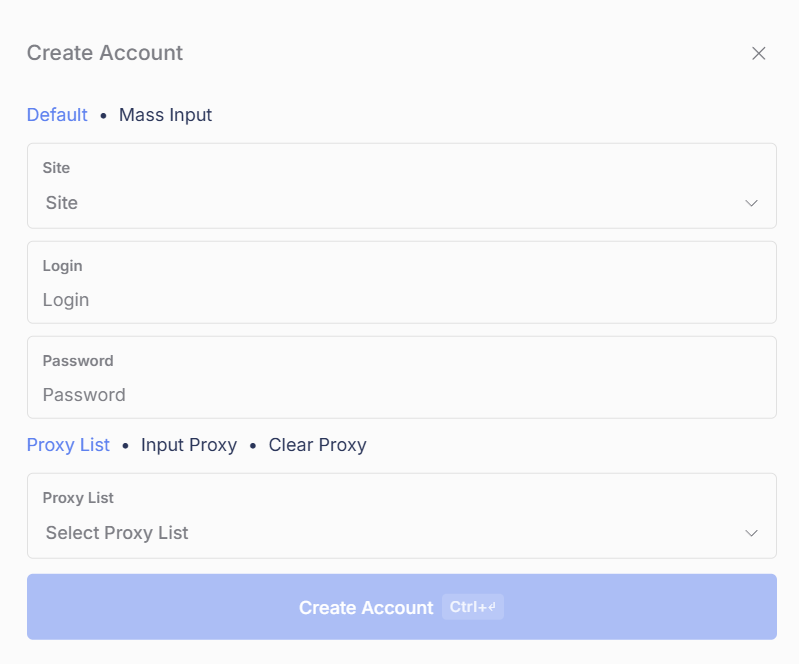
* To create an account, press the `+` button near the top icons and a pop-up will appear.

#### Default Input

* Choose the site that your account corresponds to
* Insert the email in the `Login` box, and the password in `Password` box
* Lastly, choose a proxy or proxy list you want to use to login to your account (if applicable)

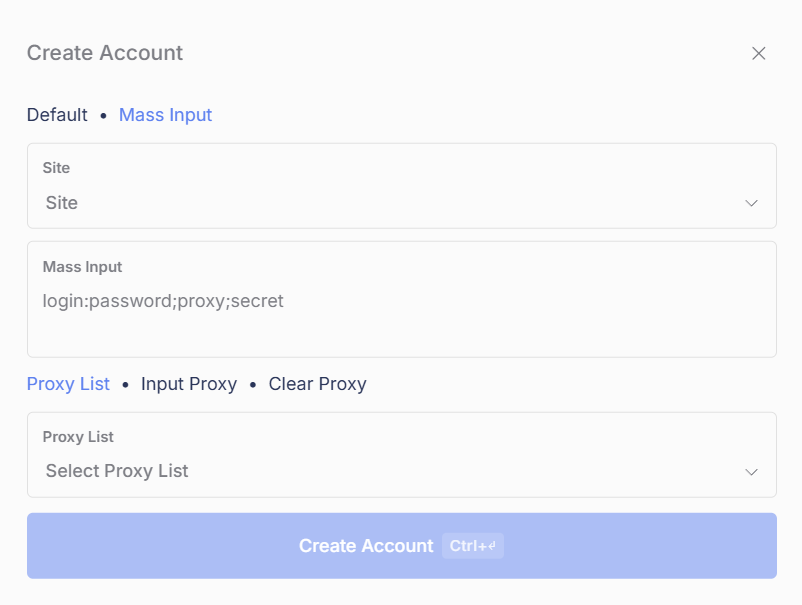
**Mass Input**

* Choose the site that your account corresponds to
* Insert the login credentials in `email:password` format into the `Mass Input` box
* Lastly, choose a proxy or proxy list you want to use to login to your account (if applicable)

## Account Groups

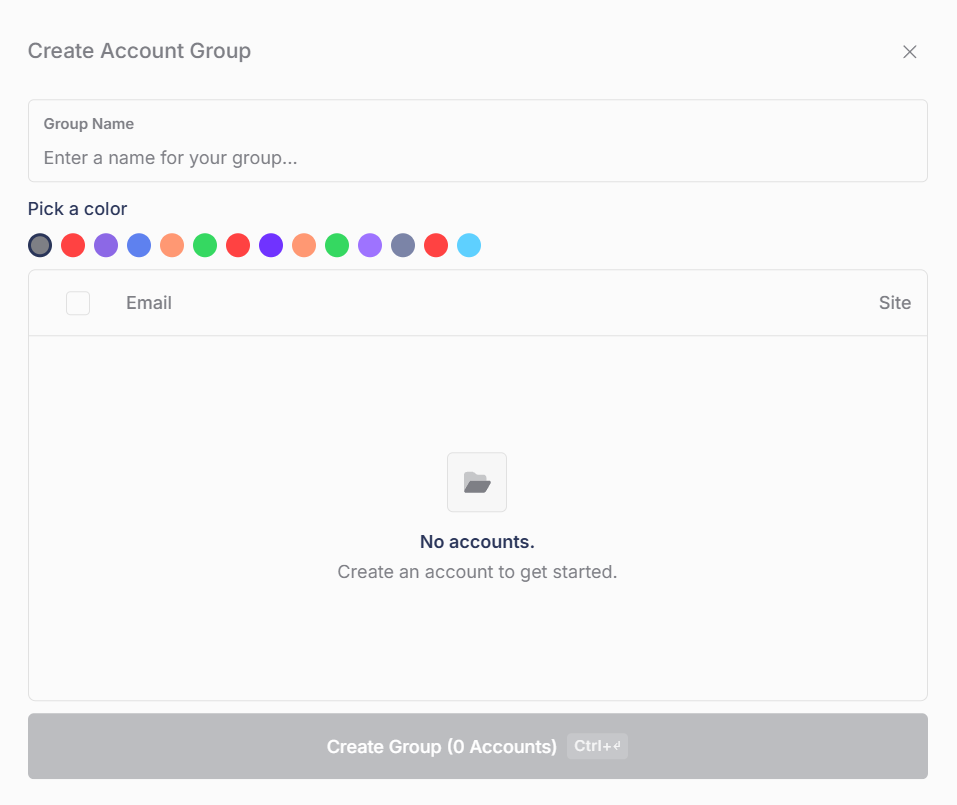
* Account groups are designed to make it easier to mass select accounts.

#### Adding Accounts

* To create a account group, click the `+` button next to `Groups` in the left corner of the billing/profile page.&#x20;
* To create a new group, click `Create`.&#x20;
* Once there, select the accounts you want to add by holding `ctrl + click` or `shift + click`
* Lastly, name the group and click create.

## Login

* Sites like Amazon require accounts to be logged in before tasks can run.
* To login to your accounts, select the accounts you want to add by holding `ctrl + click` or `shift + click`
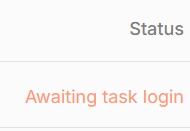
* After selecting the accounts you want to login to, click the login button in the top-right hand corner

![](/files/COeFI4YoFq4joBQaHTLv)

## FAQ

**Does Refract use account or profile data?**&#x20;

* If there is no profile input (Amazon only), Refract will use account data.
* If there is a profile input (most sites), Refract it will use the profile info only.&#x20;
  * If there is a matching address to the profile already on the account, it will not add the info again and will skip this step to avoid adding the same address over and over again.

**Can my profile affect site anti-bots like Shape on Target?**

* No. Your account will not affect anti-bots on sites like Shape. &#x20;

**Account does not exist error code?**&#x20;

* There is not a valid account for the site you are running on. Make sure you have created an account corresponding to the exact information in Refract.&#x20;

**Why do my passwords get reset on sites like BestBuy? What can I do?**

* Password resets are a normal occurrence on sites like BestBuy.&#x20;

**Do I need to set a proxy or proxy list for my accounts in the Accounts tab?**

* No. You should not assign proxies directly to your accounts for any site. Let your tasks handle proxies using the task proxy list. Only set a proxy on an account if you know exactly what you're doing.


---

# Agent Instructions: Querying This Documentation

If you need additional information that is not directly available in this page, you can query the documentation dynamically by asking a question.

Perform an HTTP GET request on the current page URL with the `ask` query parameter:

```
GET https://help.refractbot.com/general-setup/accounts.md?ask=<question>
```

The question should be specific, self-contained, and written in natural language.
The response will contain a direct answer to the question and relevant excerpts and sources from the documentation.

Use this mechanism when the answer is not explicitly present in the current page, you need clarification or additional context, or you want to retrieve related documentation sections.